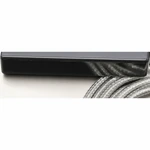
MPDR 3.9 USB Excavator Diagnostic Interface Kit
$519.99
SKU: SW-MPDR-480950-DEVICE-ONLY
Categories: Automotive, Car Gadgets & Appliances
A compact interface for workshop diagnostics
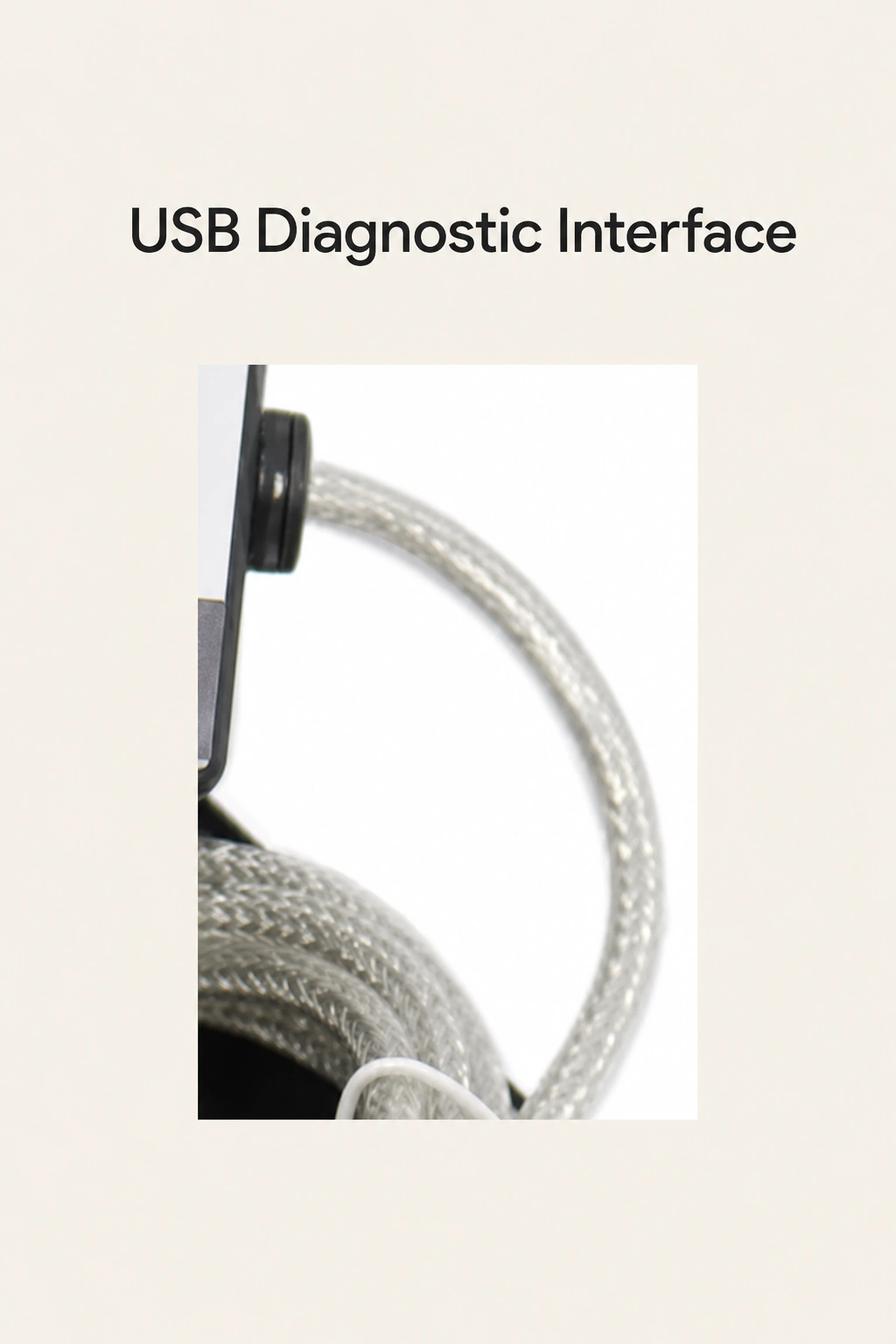
This MPDR 3.9 kit is intended for technicians working on the listed ZX-series excavators. The interface connects by USB to a Windows computer and receives power from the machine’s diagnostic port. Fault-code reading, clearing and live-data monitoring are the diagnostic uses described for supported machines.
Check the series before choosing
Compare your machine’s series with ZX-1, ZX-3, ZX-3G, ZX-5A, ZX-5B, ZX-5G, ZX-6 and ZX-7. The available configuration is No screen · Device only. Prepare your own Windows computer to view the diagnostic information; the interface has no built-in display.
What comes in the kit
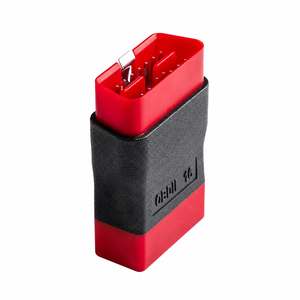
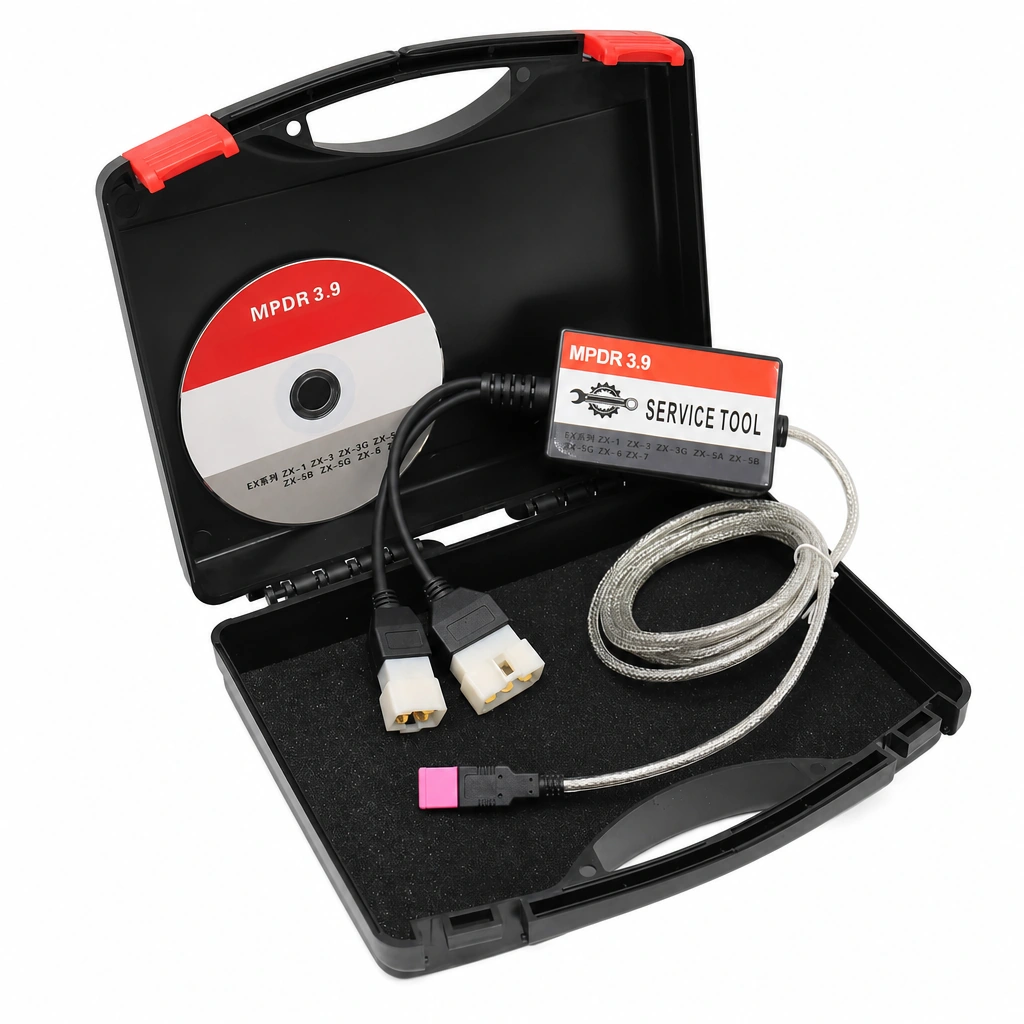
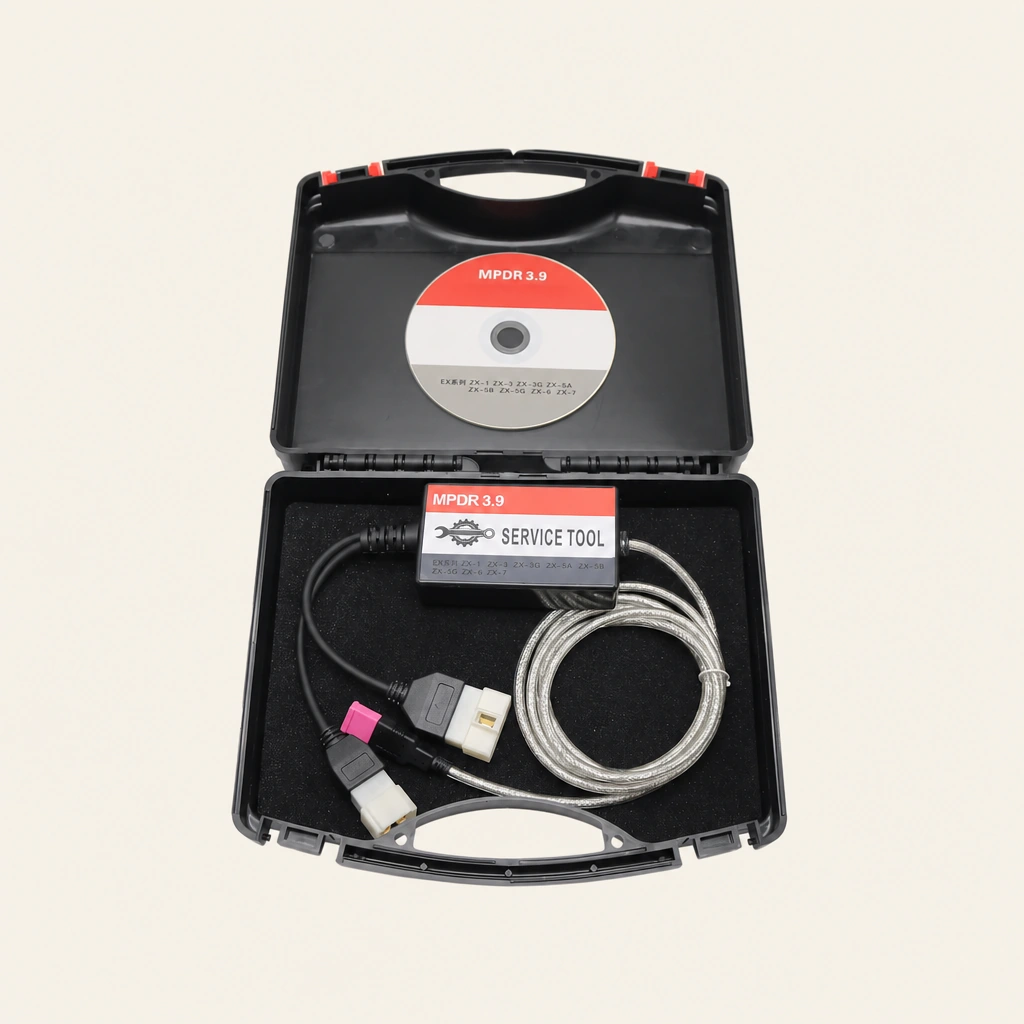
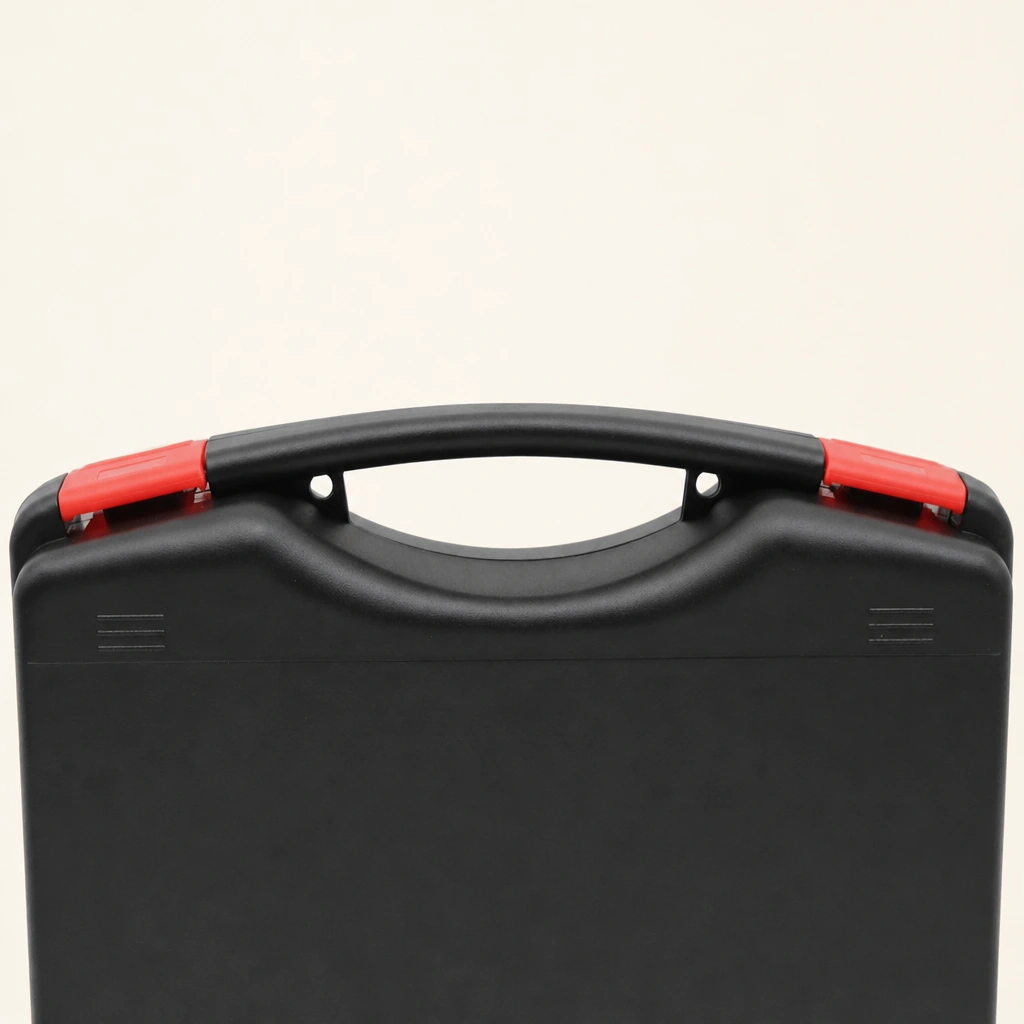
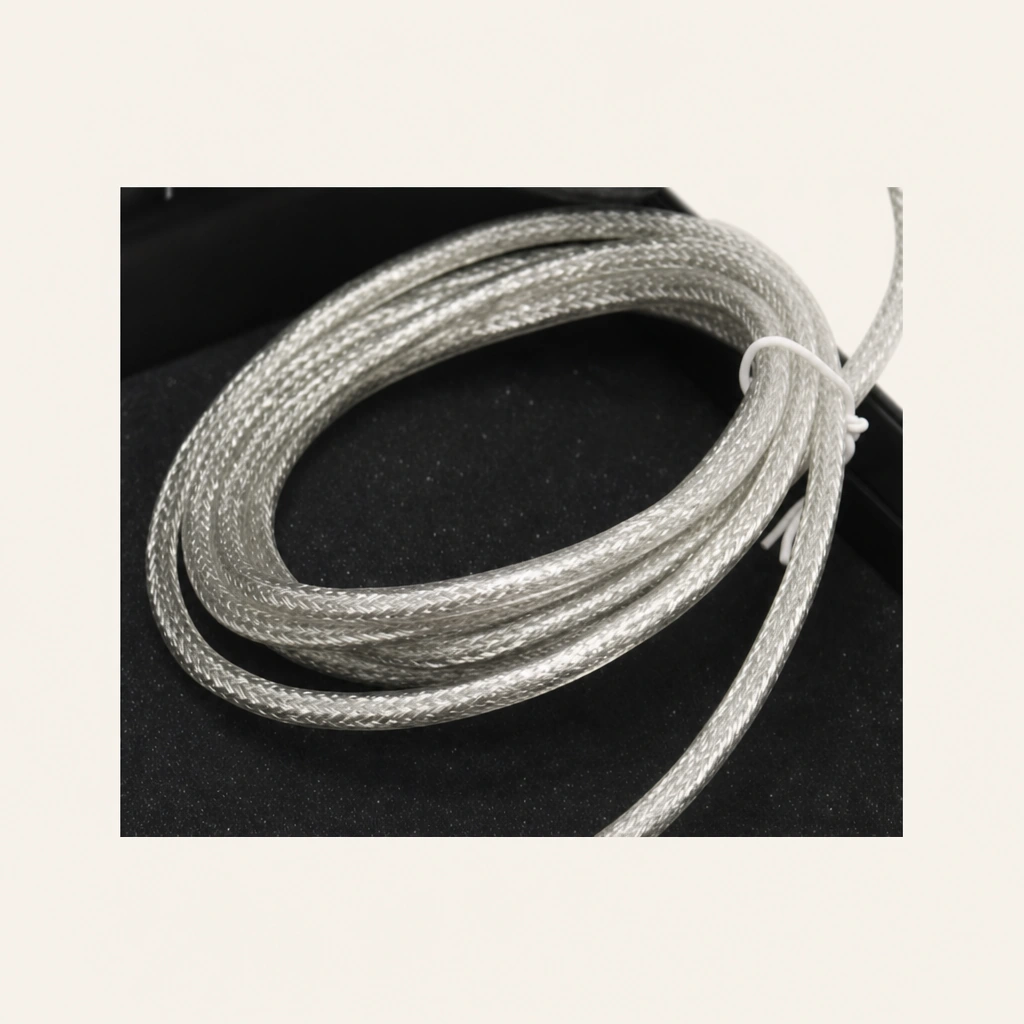
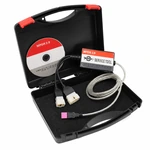
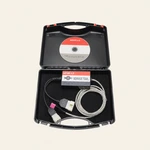
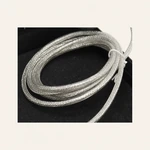
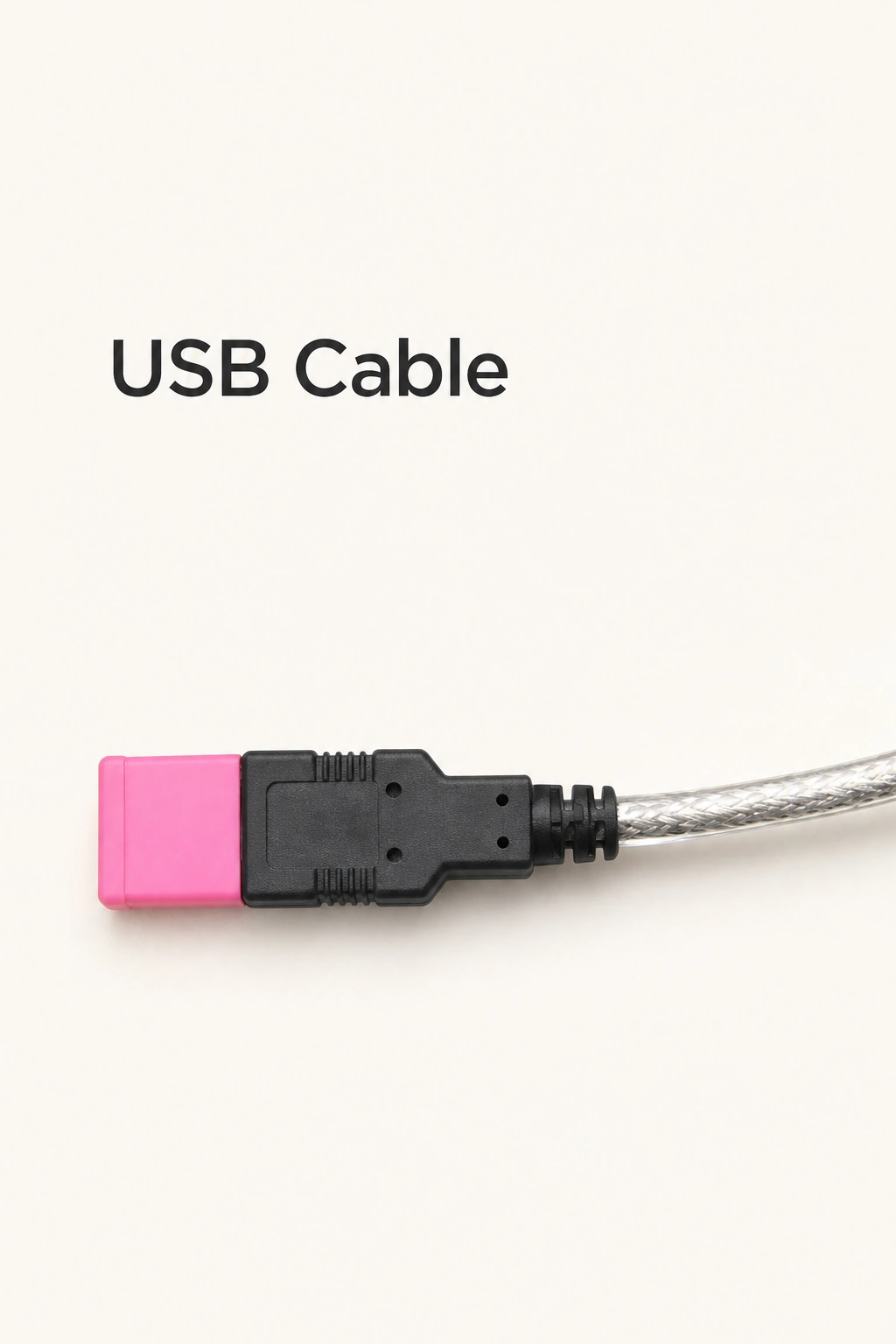
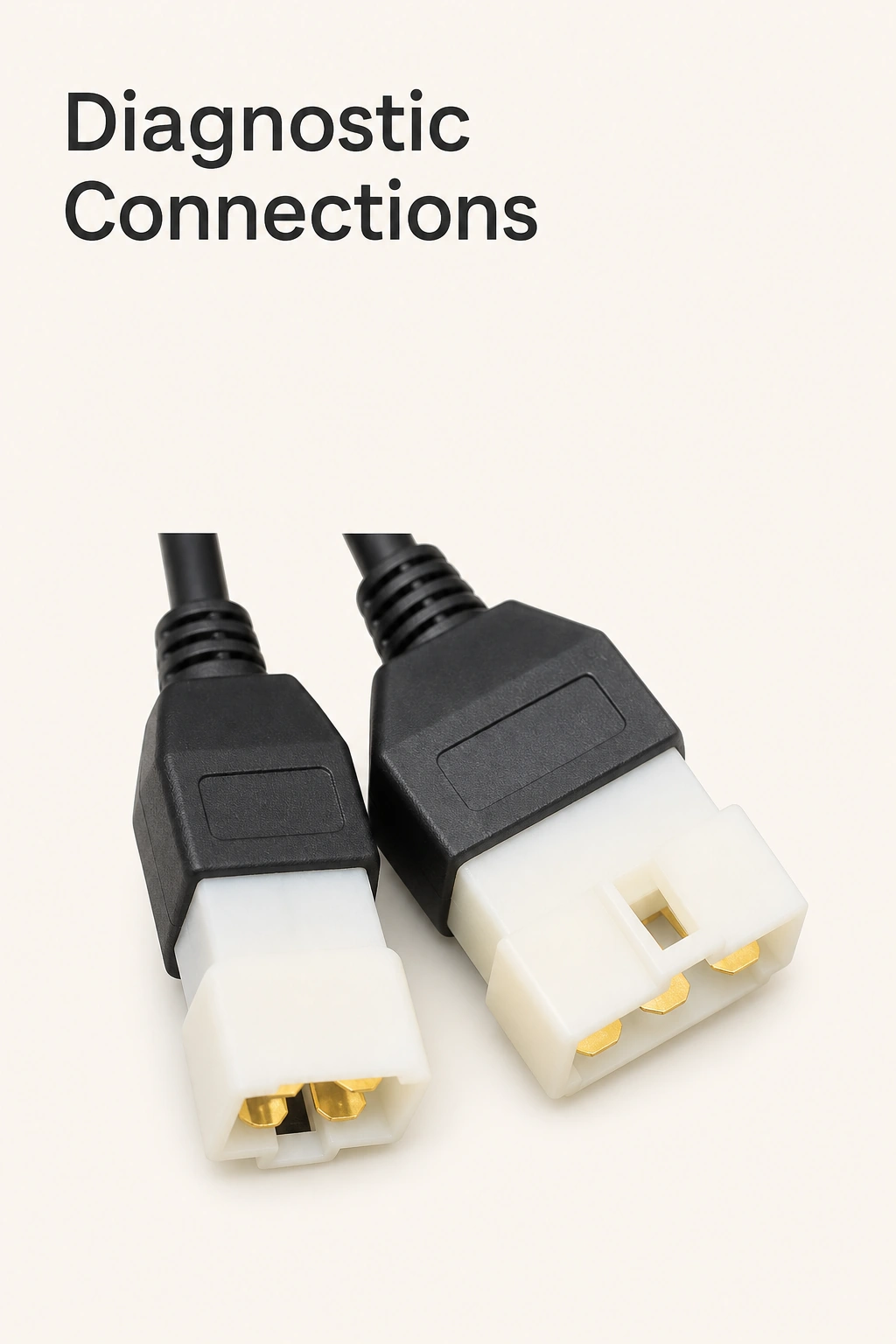
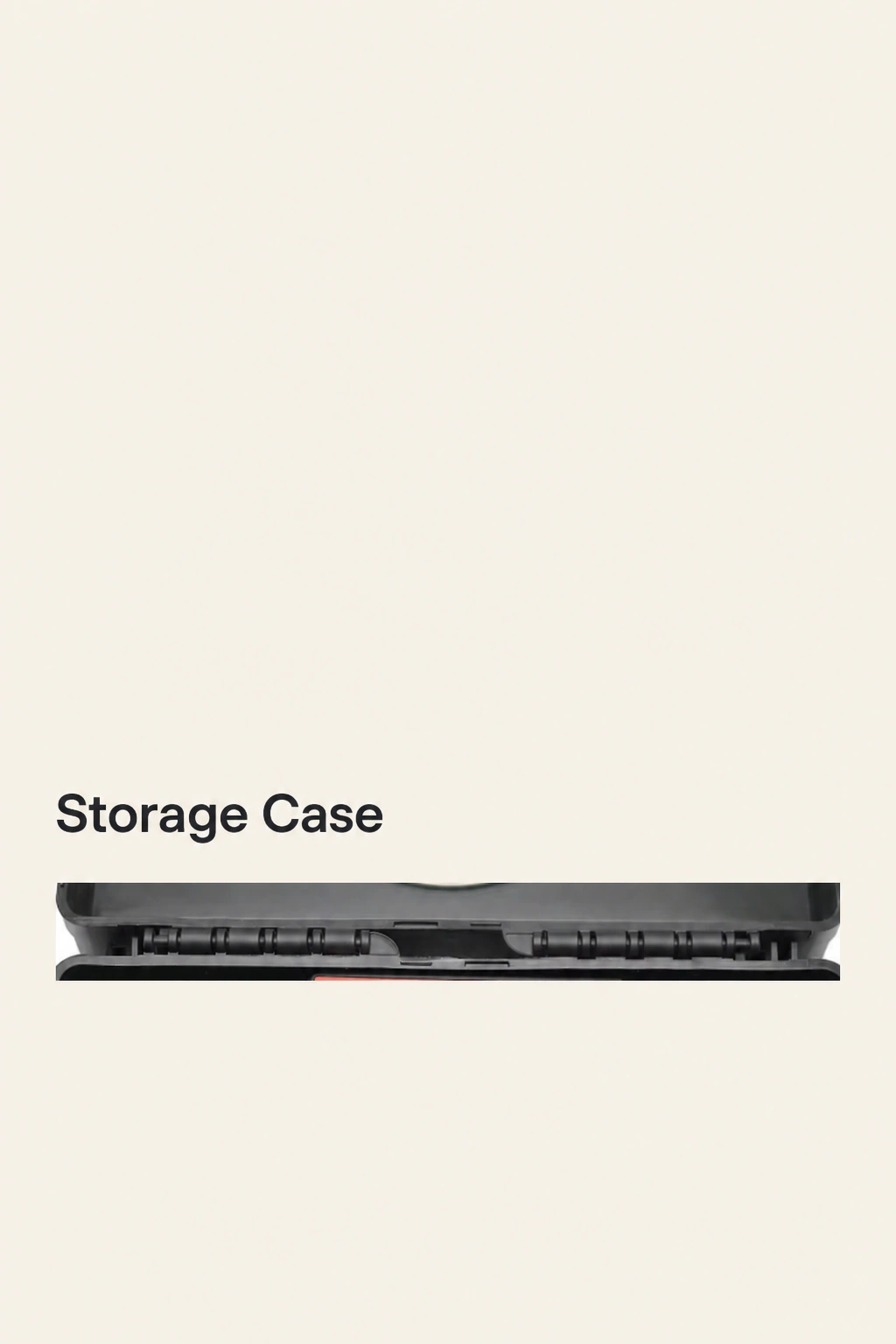
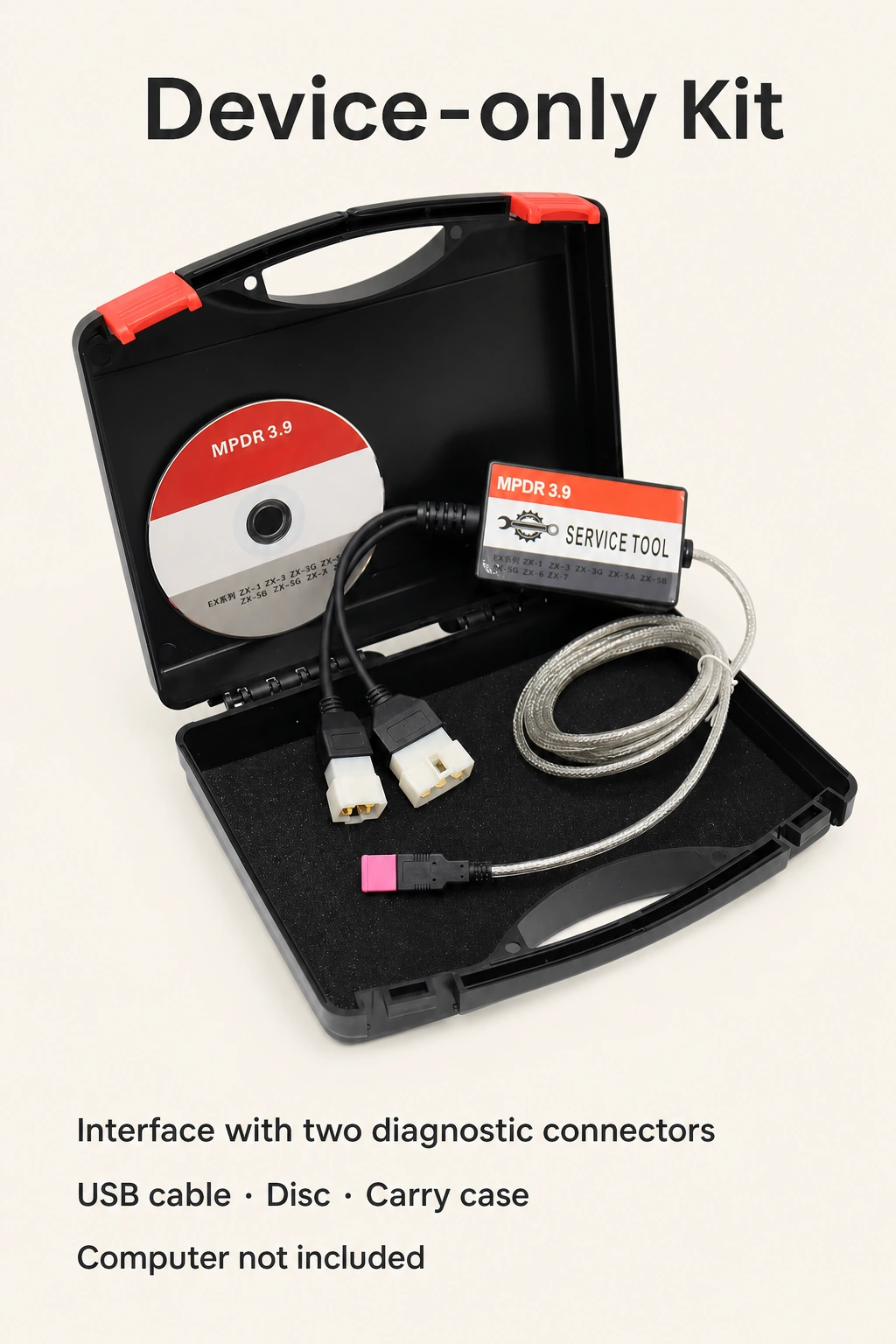
Each unit contains one diagnostic interface with two attached diagnostic connector branches, one USB cable, one CD marked MPDR 3.9, and one black carrying case with red catches. A laptop or tablet is not included. The dimensions and gross weight below describe the packed kit.
Specifications
| Specification | Details |
|---|---|
| Item | Excavator diagnostic interface kit |
| Version marking | MPDR 3.9 |
| Computer connection | USB |
| Computer requirement | Separate Windows computer |
| Power supply | Powered from the machine’s diagnostic port |
| Listed excavator series | ZX-1, ZX-3, ZX-3G, ZX-5A, ZX-5B, ZX-5G, ZX-6, ZX-7 |
| Kit configuration | No screen · Device only |
| Included quantity | 1 interface with 2 attached diagnostic connector branches; 1 USB cable; 1 CD; 1 carrying case |
| Computer / screen included | No computer and no built-in display |
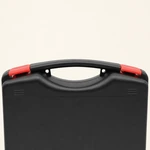
| Fixed color | Black interface; black case with red catches |
| Package dimensions | 28 × 23 × 8 cm / 11.02 × 9.06 × 3.15 in |
| Package gross weight | 1 kg / 2.20 lb |
Questions before choosing
Is a laptop or tablet included?
No. This is the no-screen, device-only configuration. Use a separate Windows computer with a USB connection.
Which excavator series are listed?
ZX-1, ZX-3, ZX-3G, ZX-5A, ZX-5B, ZX-5G, ZX-6 and ZX-7. Check your machine’s series before choosing.
How does the interface connect and receive power?
It connects to the Windows computer by USB and receives power from the excavator’s diagnostic port through the attached diagnostic connection.
What does one kit contain?
One interface with two attached diagnostic connector branches, one USB cable, one CD marked MPDR 3.9 and one black-and-red carrying case.
Add your review
Your email address will not be published. Required fields are marked *
Please login to write review!
Looks like there are no reviews yet.
Find answers to common questions about this product