





BOXPUT Bluetooth Voice Remote for Q8 or Q11 TV Boxes
$39.99
SKU: SW-VOICE-REMOTE-520158-ATV4-Q8
Categories: Electronics, Smart Remotes & Controls
Choose the model for your BOXPUT TV box
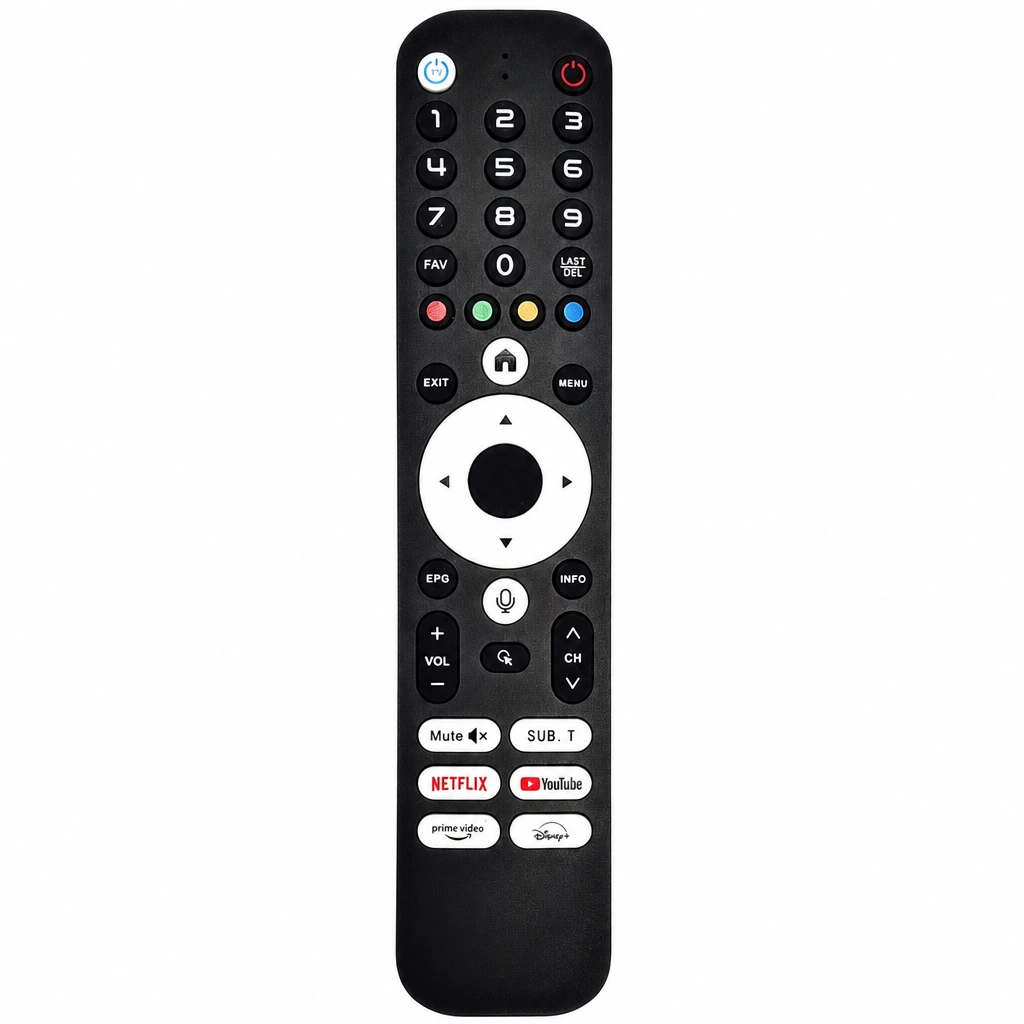
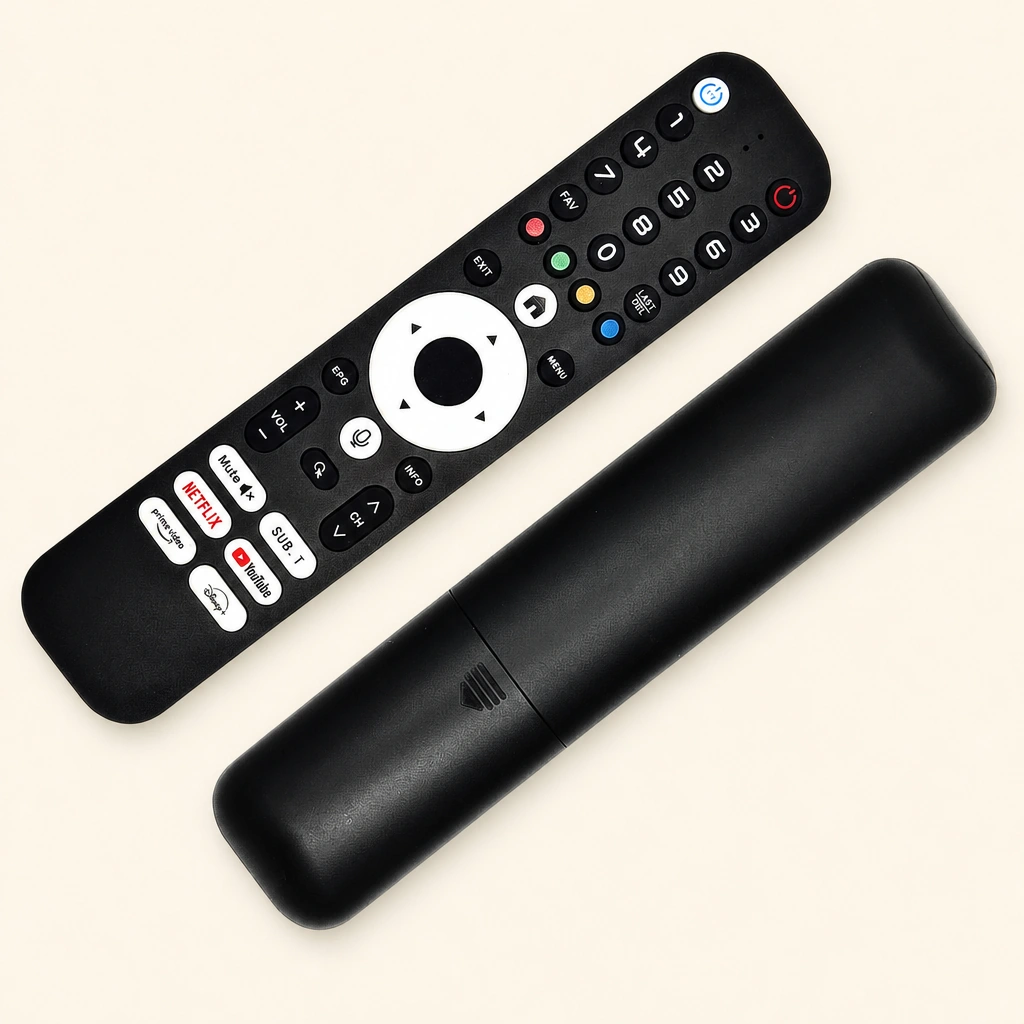
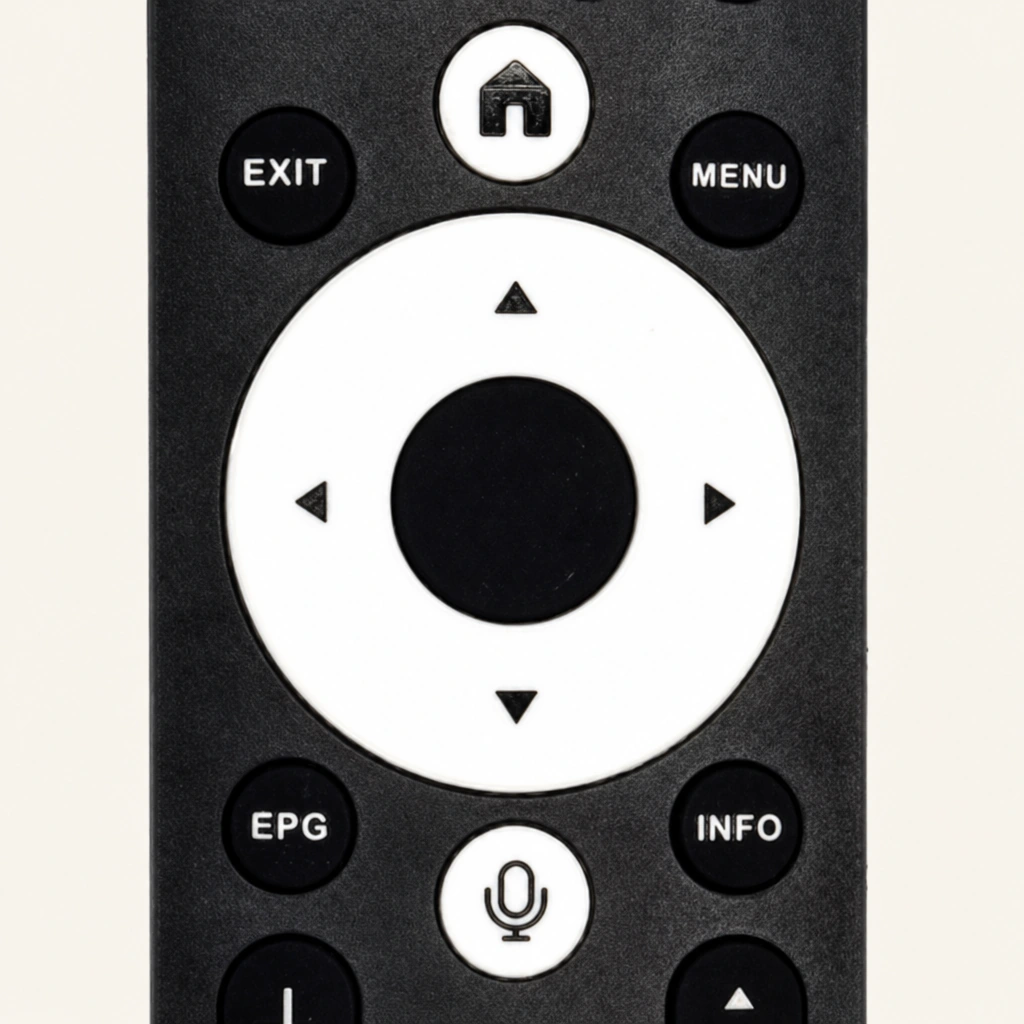
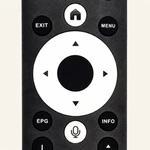
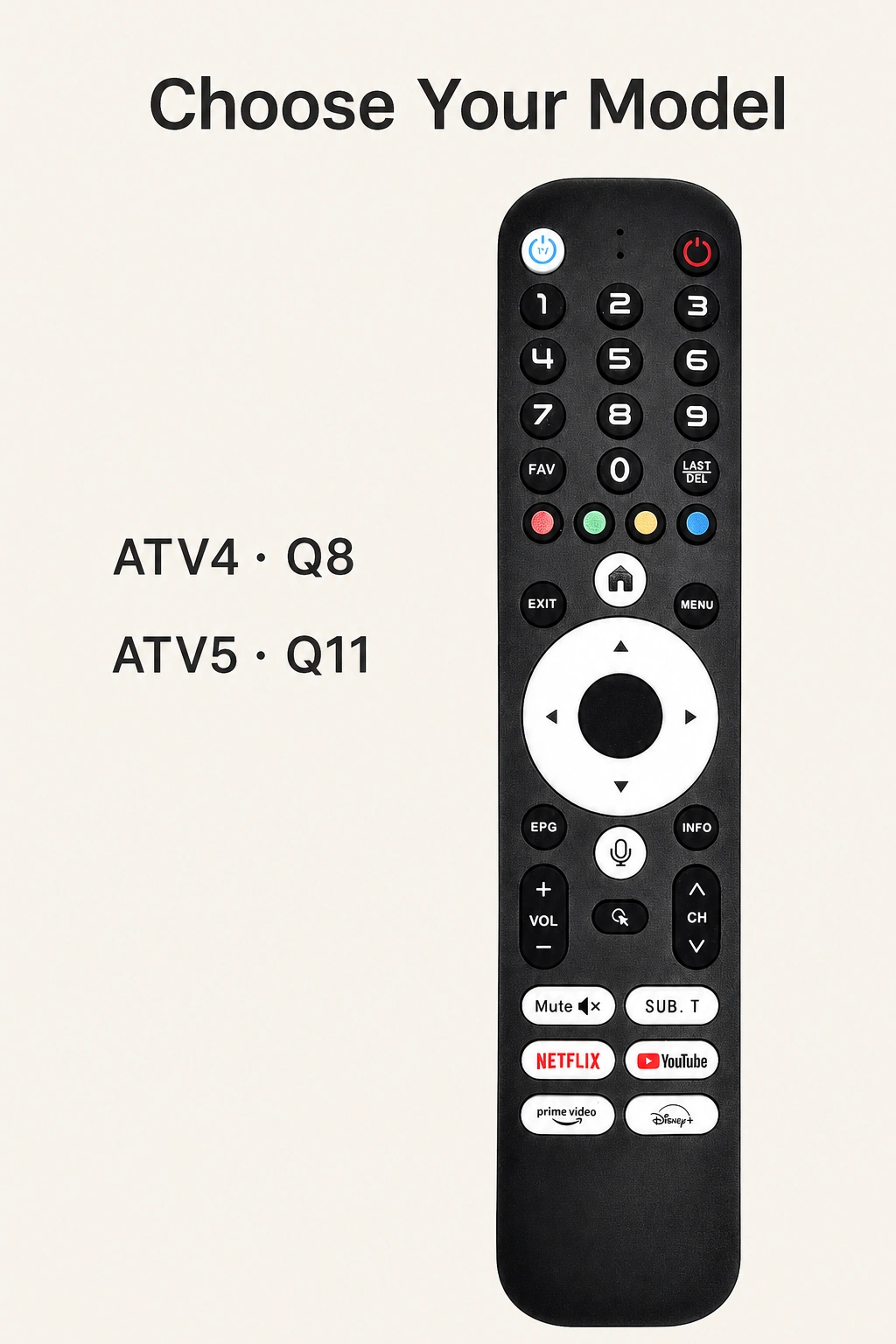
Select Remoter ATV4 for the Q8 box or RemoterATV5 for the Q11 box. The two choices share the pictured black remote design, with a white navigation ring, number keys, volume controls and a microphone button. Choose by your box model.
Bluetooth voice control and learning function
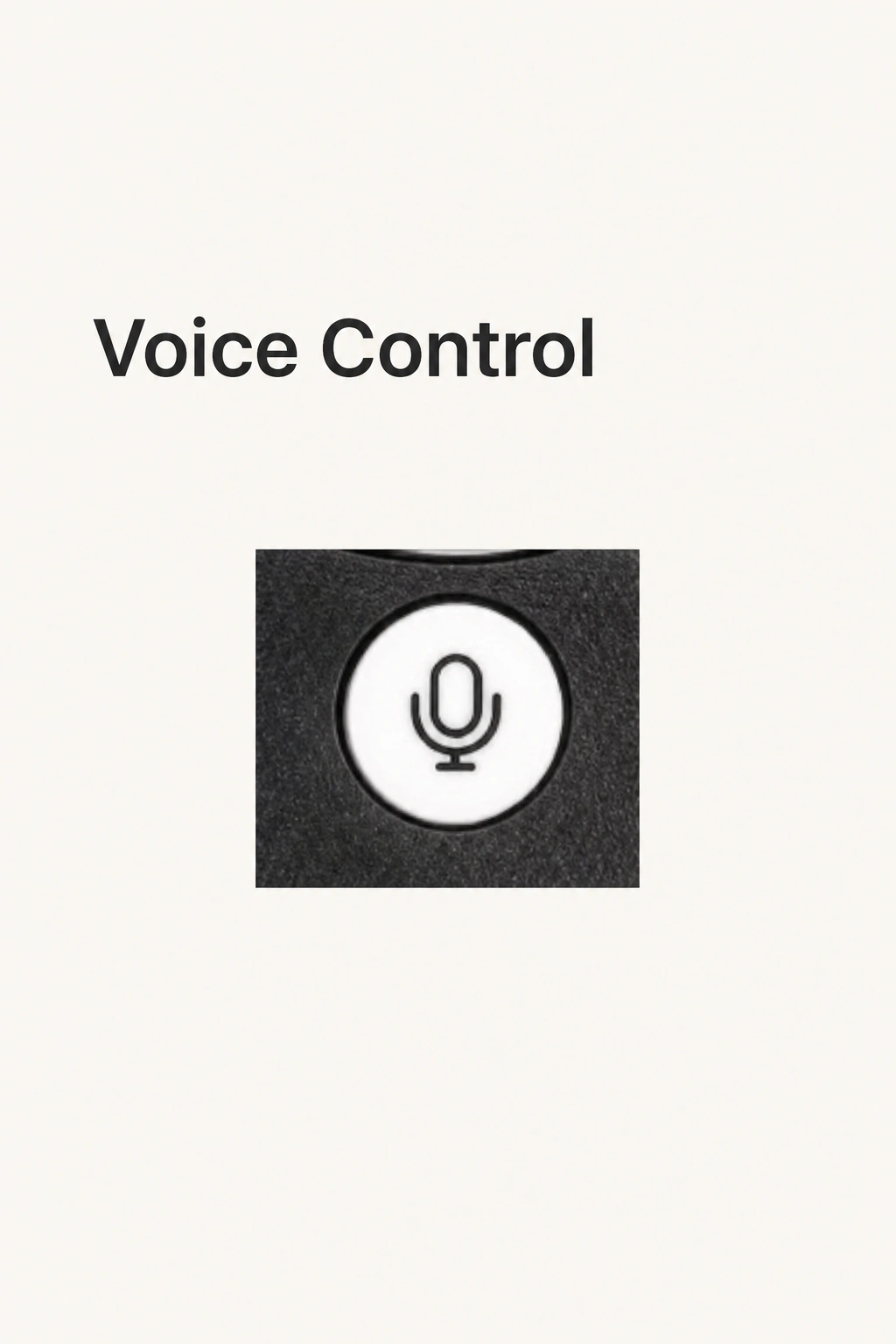
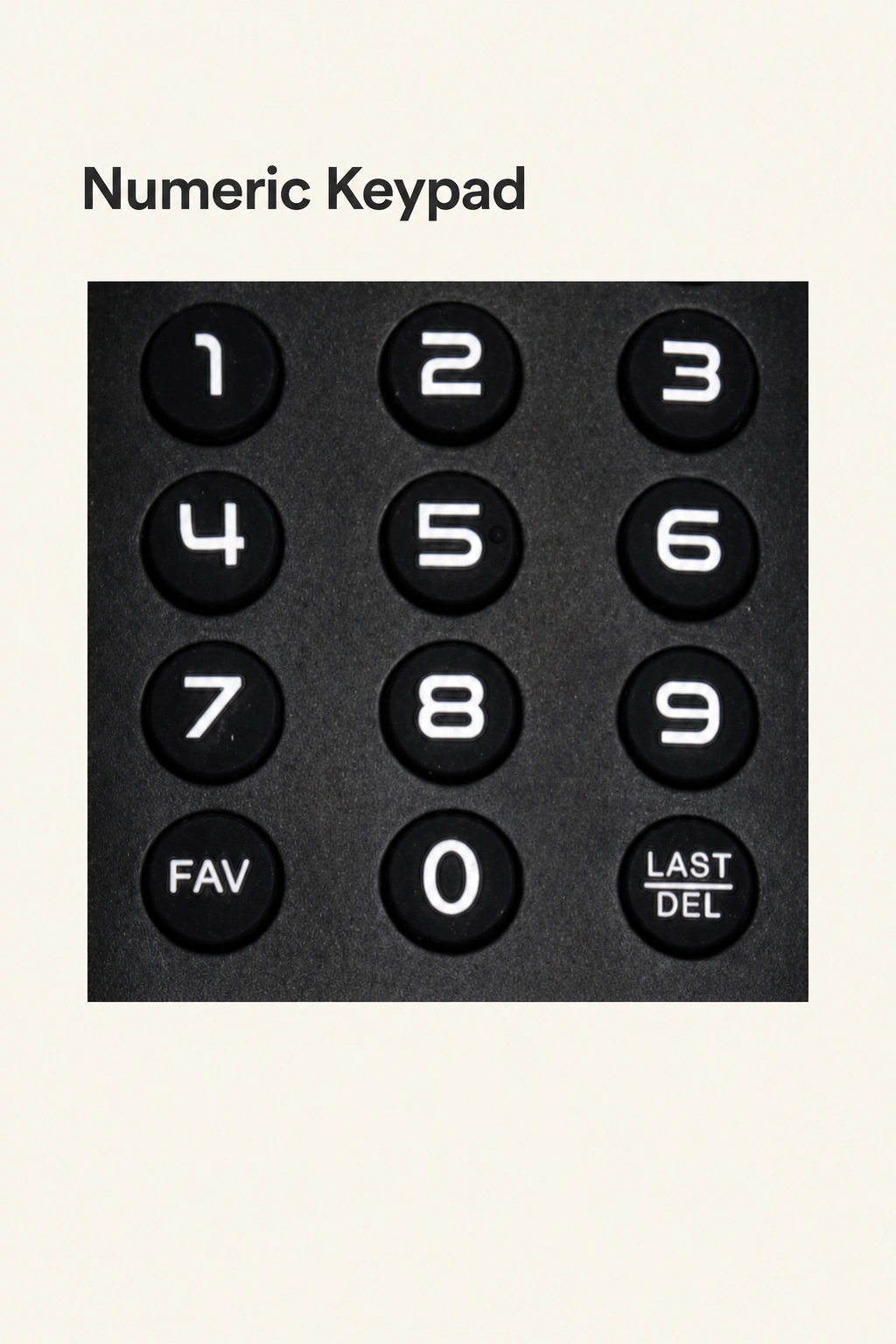
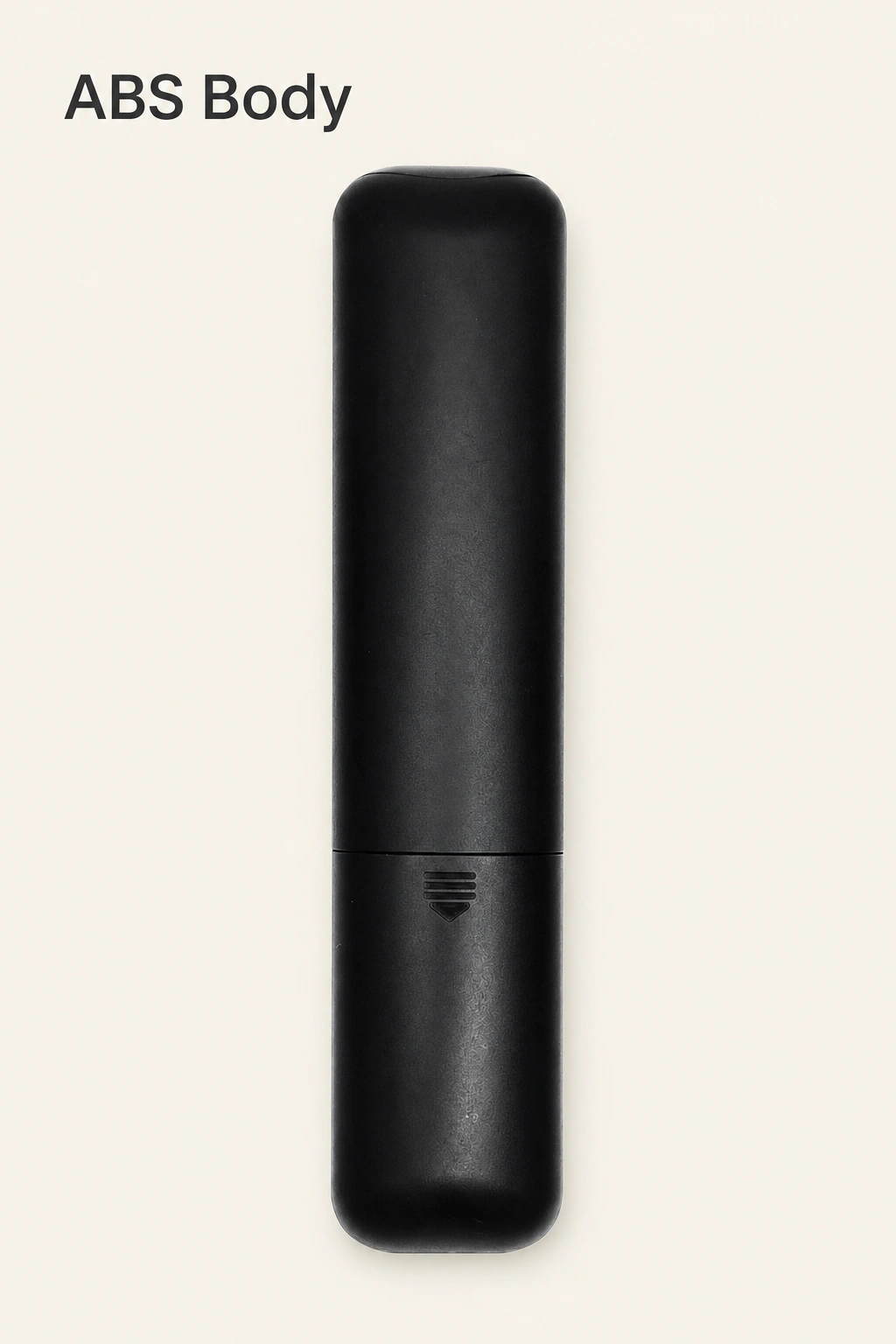
The remote connects by Bluetooth and provides voice input for the matching TV box. It combines ABS plastic and silicone materials and supports infrared learning. The physical controls bring navigation, numbers, volume and voice input together on a handheld remote.
Pair with your matching box
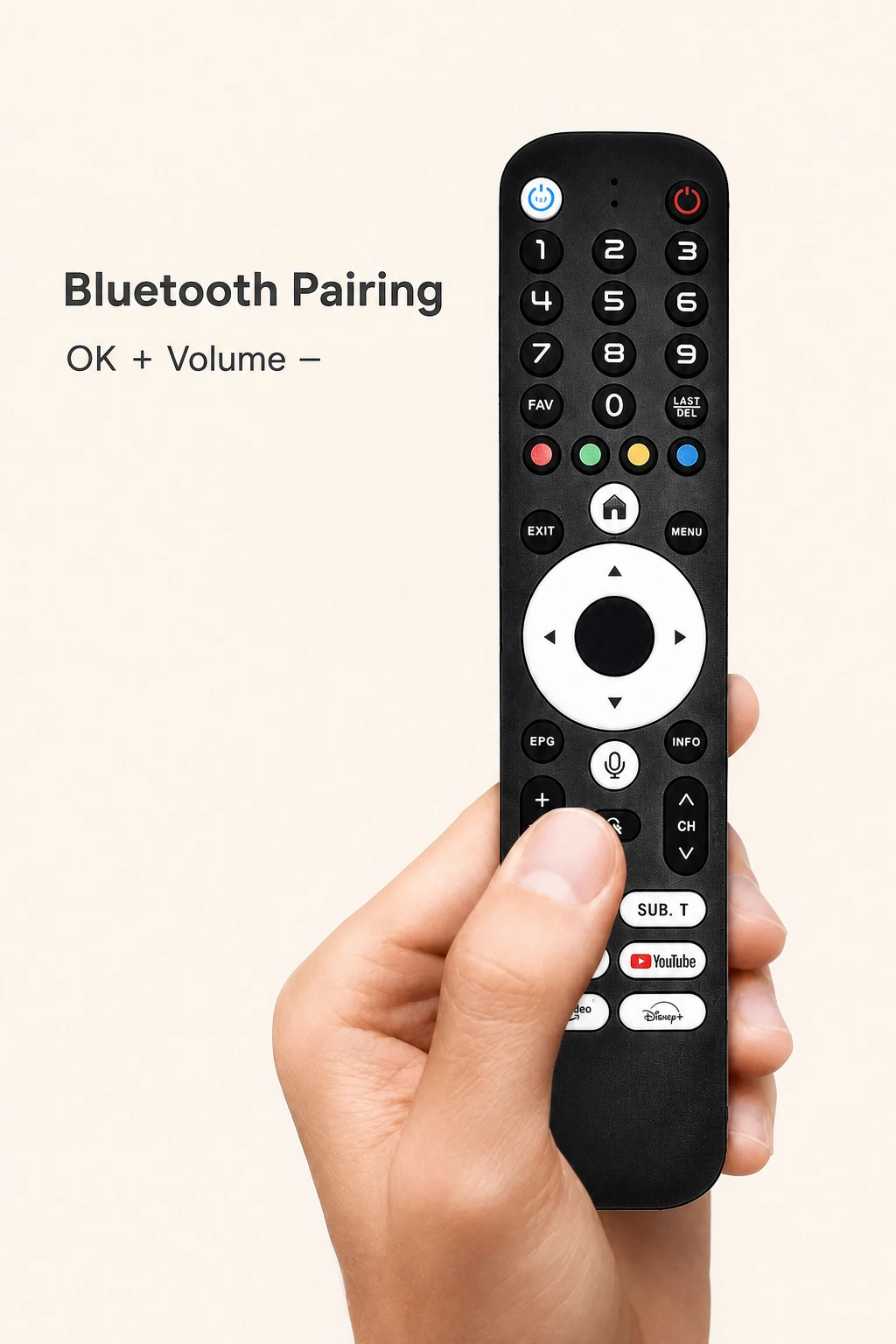
Press OK and the volume-minus button together until the indicator flashes rapidly. Keep the remote within one meter of the box, then power on the device for automatic pairing. Use the ATV4/Q8 or ATV5/Q11 option that matches your box.
One selected remote per unit
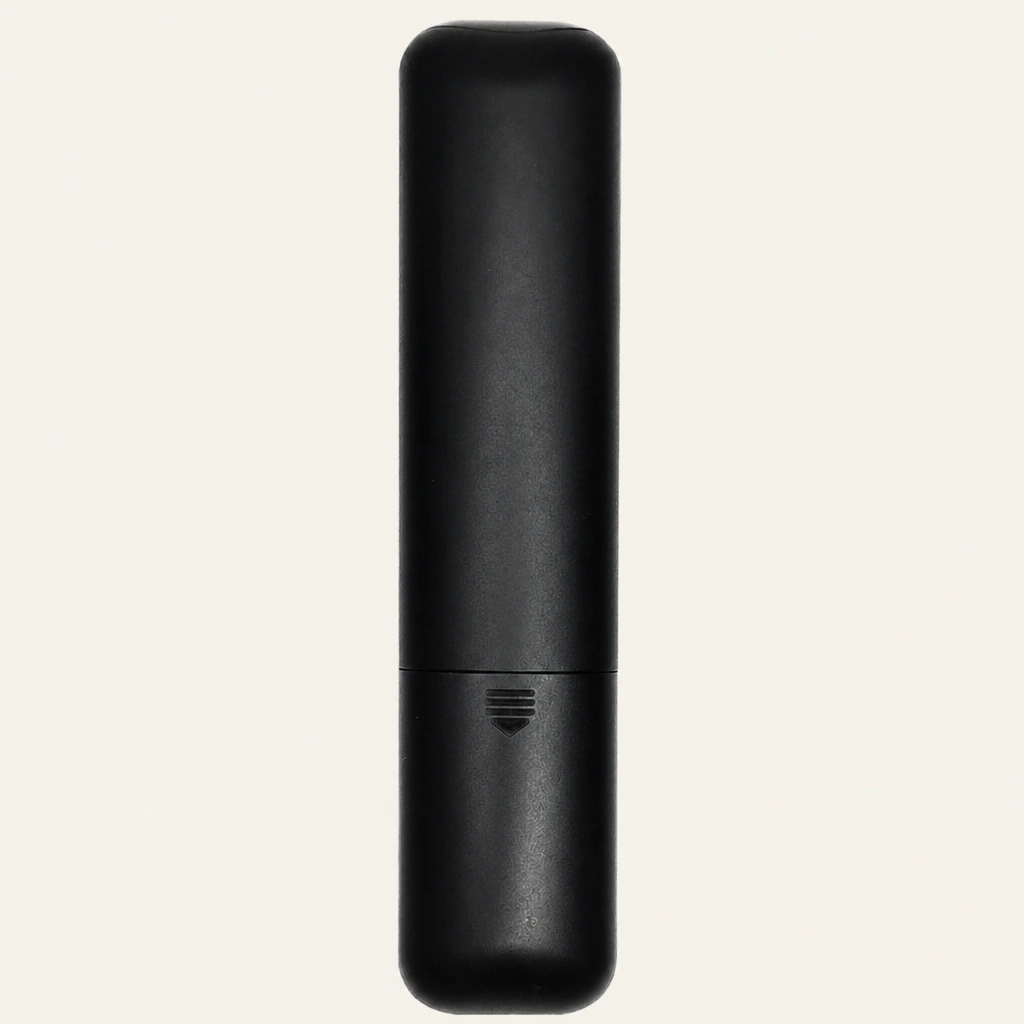
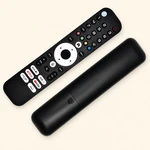
Each unit contains one remote in the model you choose. The front and back photographs show two views of the remote. Both models use two AAA batteries.
Specifications
| Specification | Details |
|---|---|
| Brand | BOXPUT |
| Q8 option | Remoter ATV4 for Q8 |
| Q11 option | RemoterATV5 for Q11 |
| Connection | Bluetooth |
| Voice function | Voice input |
| Materials | ABS plastic and silicone |
| Power | 2 × AAA batteries |
| Infrared learning | Yes |
| Included quantity | 1 remote in the selected model |
Questions before choosing
Which option should I select?
Choose Remoter ATV4 for a BOXPUT Q8 box, or RemoterATV5 for a BOXPUT Q11 box.
How do I pair the remote?
Hold OK and volume minus together until the indicator flashes rapidly. Keep the remote within one meter of the matching box and power on the device for automatic pairing.
Which batteries does it use?
Both models use two AAA batteries.
How many remotes are included?
Each unit contains one selected remote. The front and back photographs are two views of the remote.
Add your review
Your email address will not be published. Required fields are marked *
Please login to write review!
Looks like there are no reviews yet.
Find answers to common questions about this product