Nano SIM Adapter Kit – 3 Frames & SIM Eject Pin
$34.95
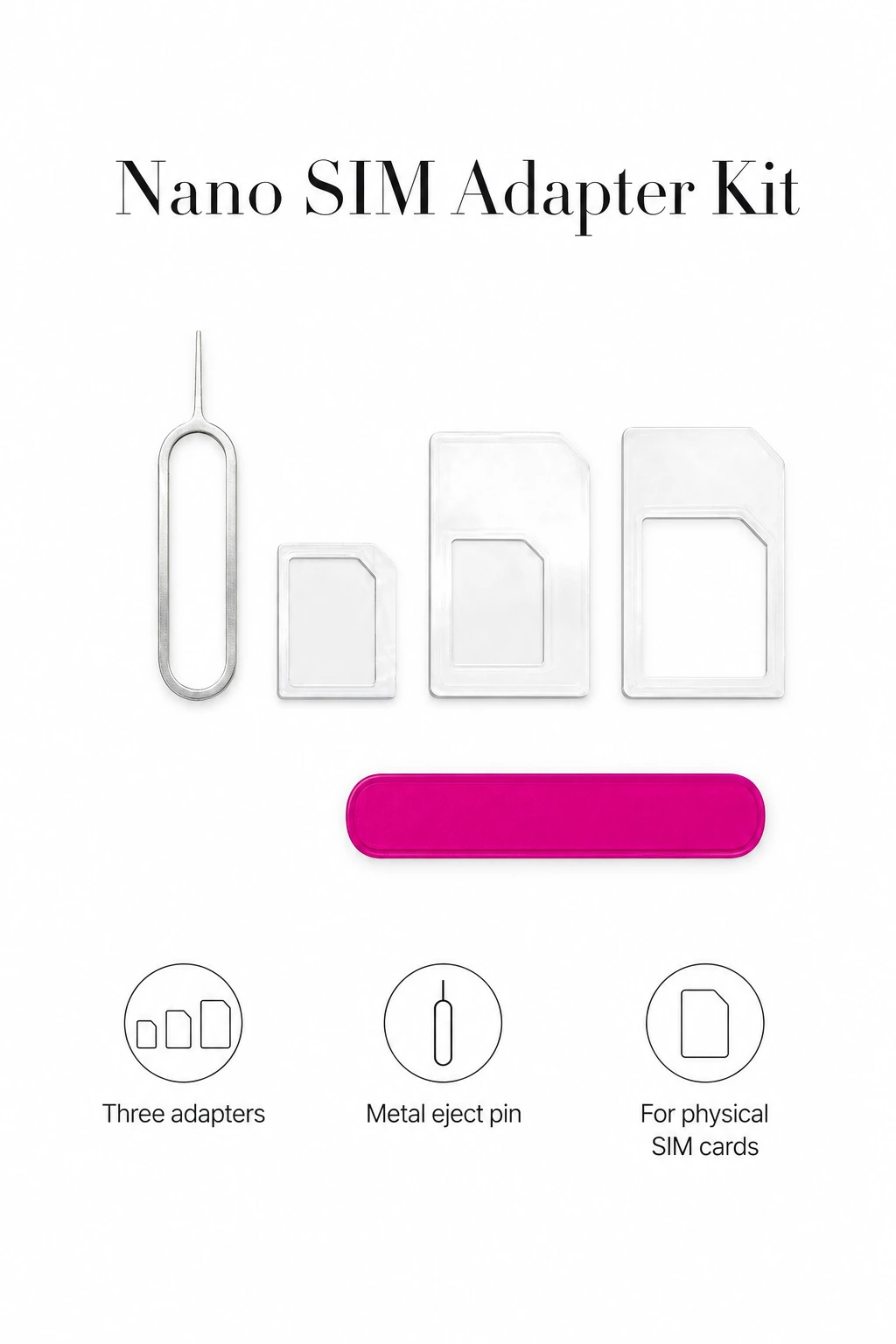
Shop a Nano SIM adapter kit with three clear adapter frames and a metal eject pin. For compatible physical SIM trays; check the required size before use.
SKU: SW-NANO-SIM-ADAPTER-KIT-78024
Categories: Cell Phones & Accessories, SIM Card Adapters & Tools
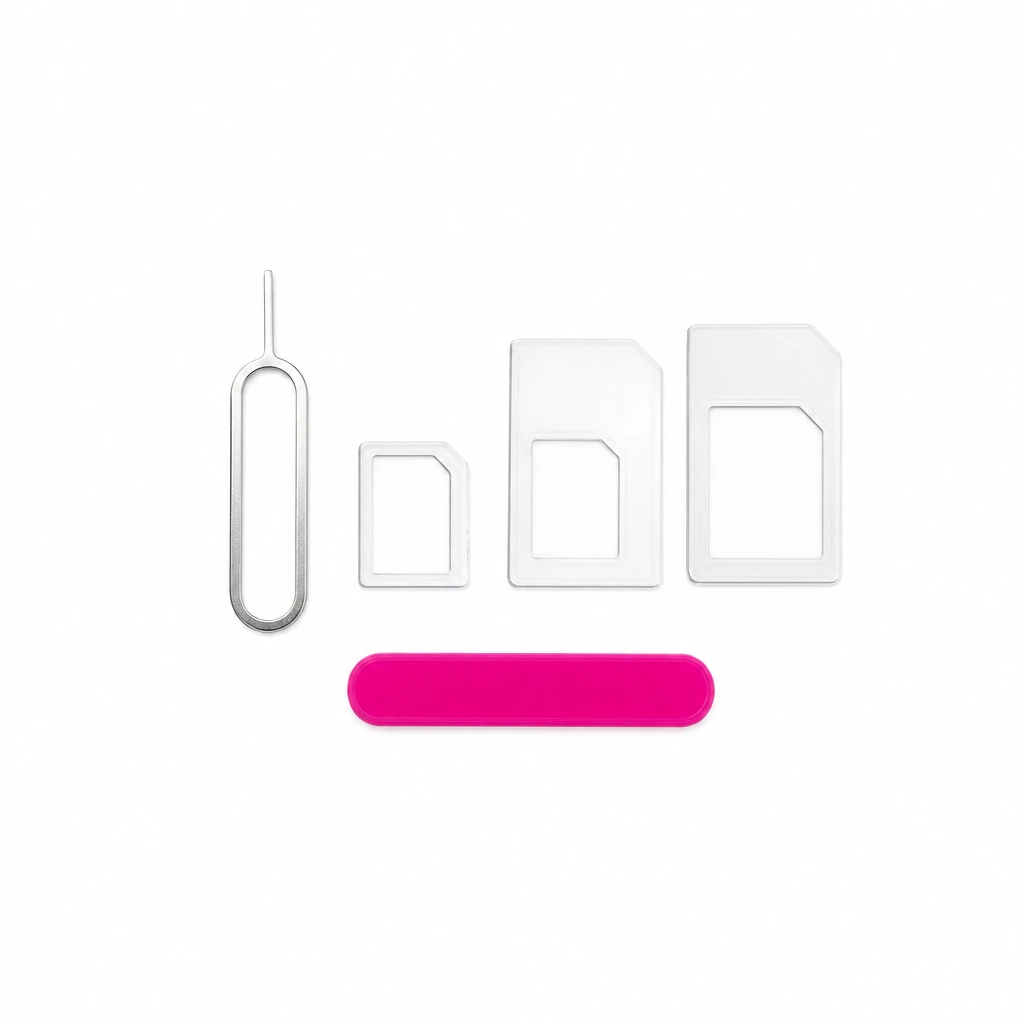
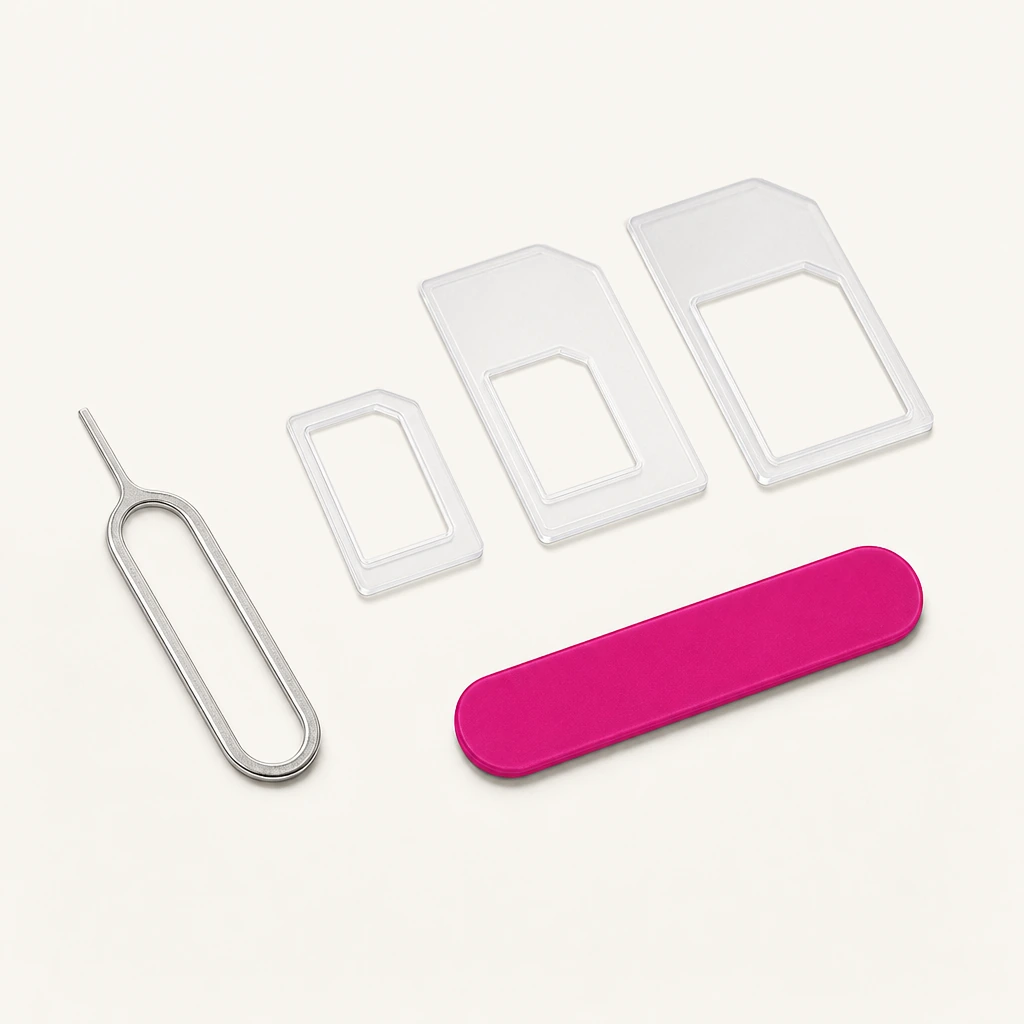
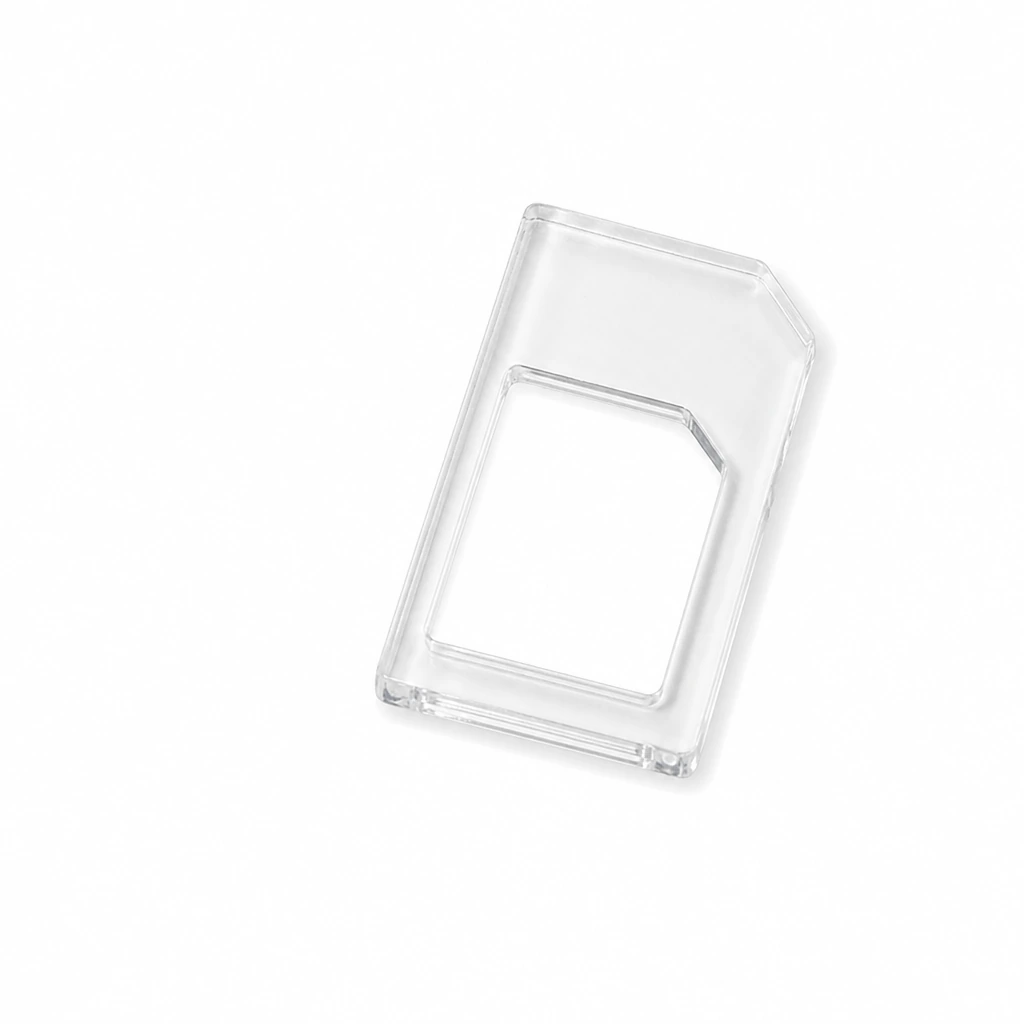
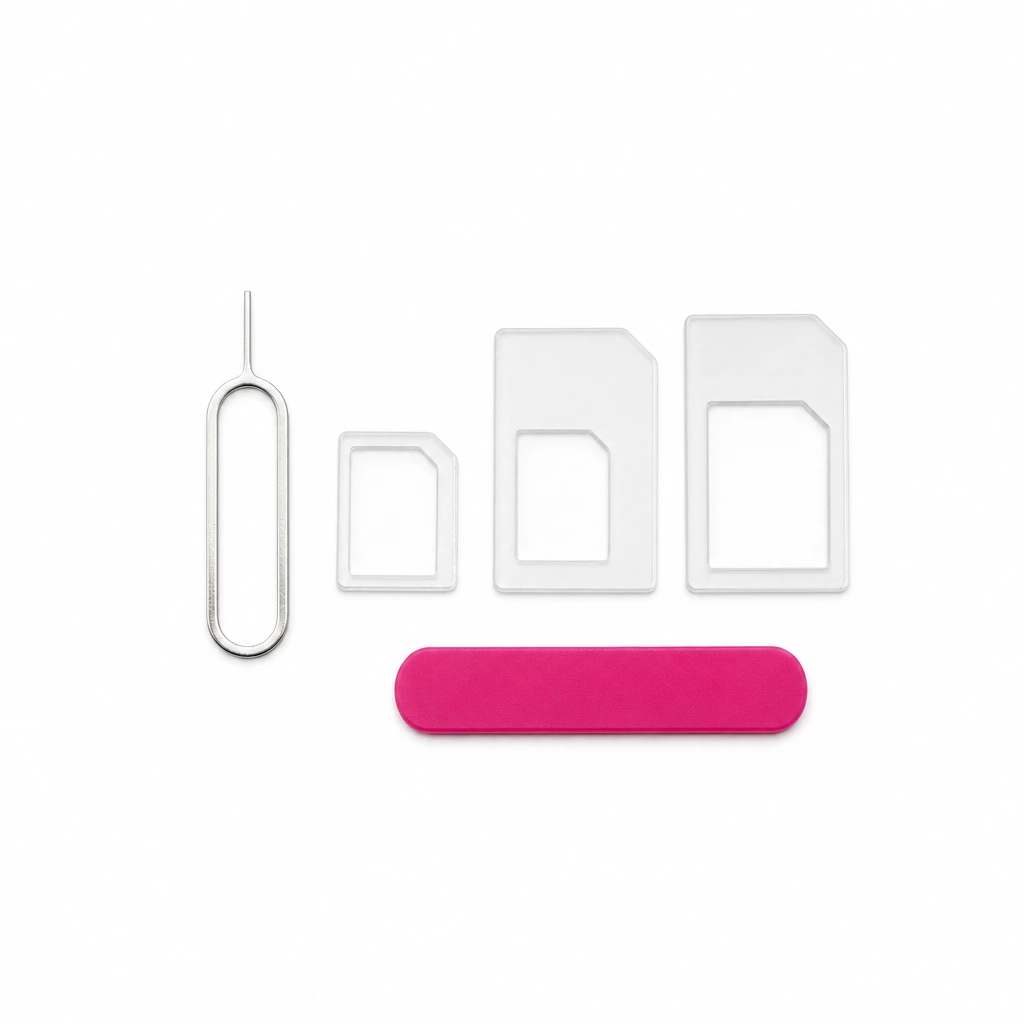
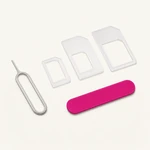
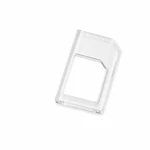
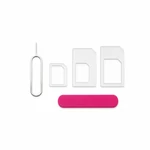
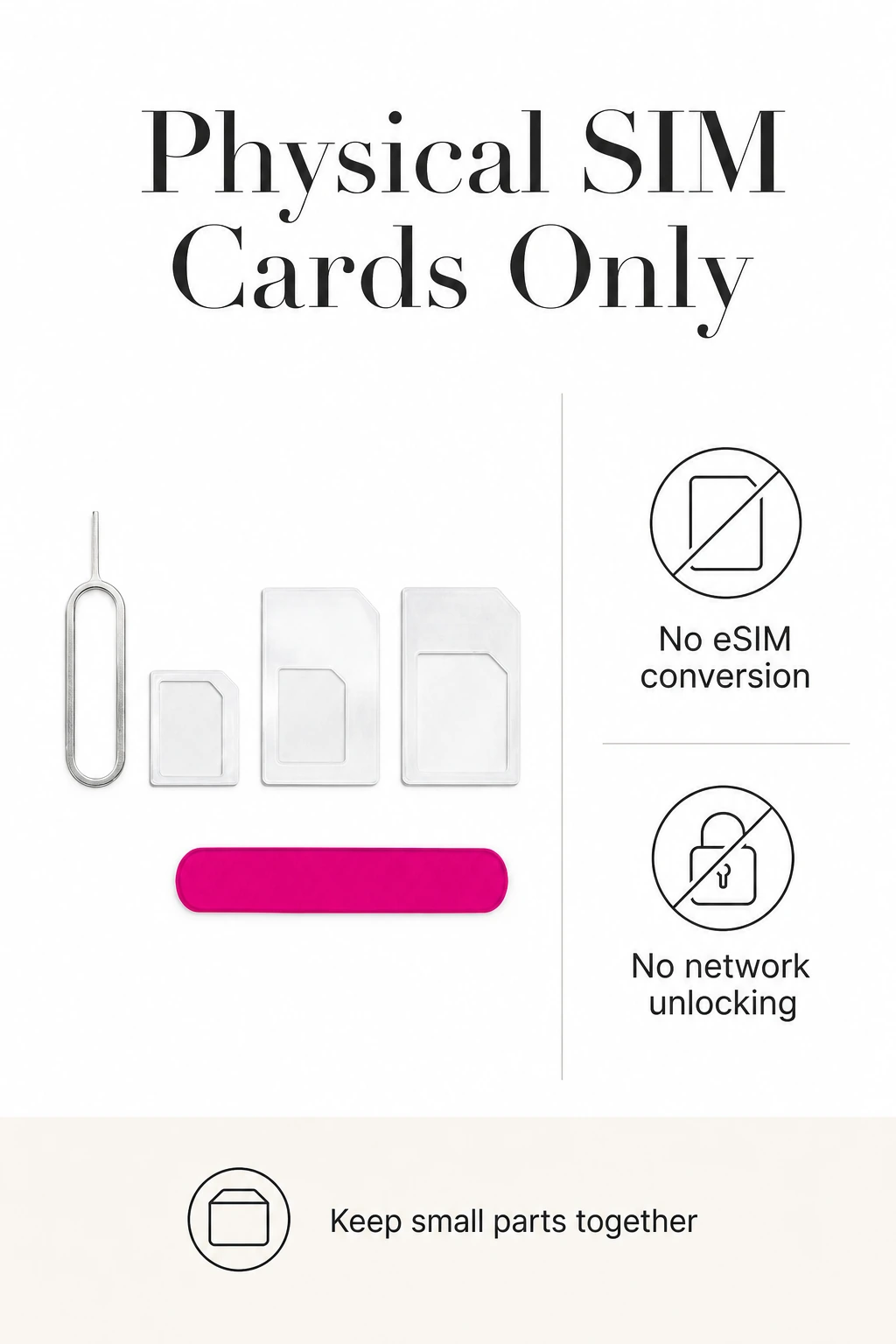
This Nano SIM adapter kit combines three clear plastic adapter frames with a metal SIM tray eject pin and the pictured pink accessory. Use the appropriate frame when a smaller physical SIM card needs to fit a compatible larger slot. This is a mechanical size adapter, so it does not activate a SIM, change your mobile plan or add eSIM support.
Three frames for different SIM sizes
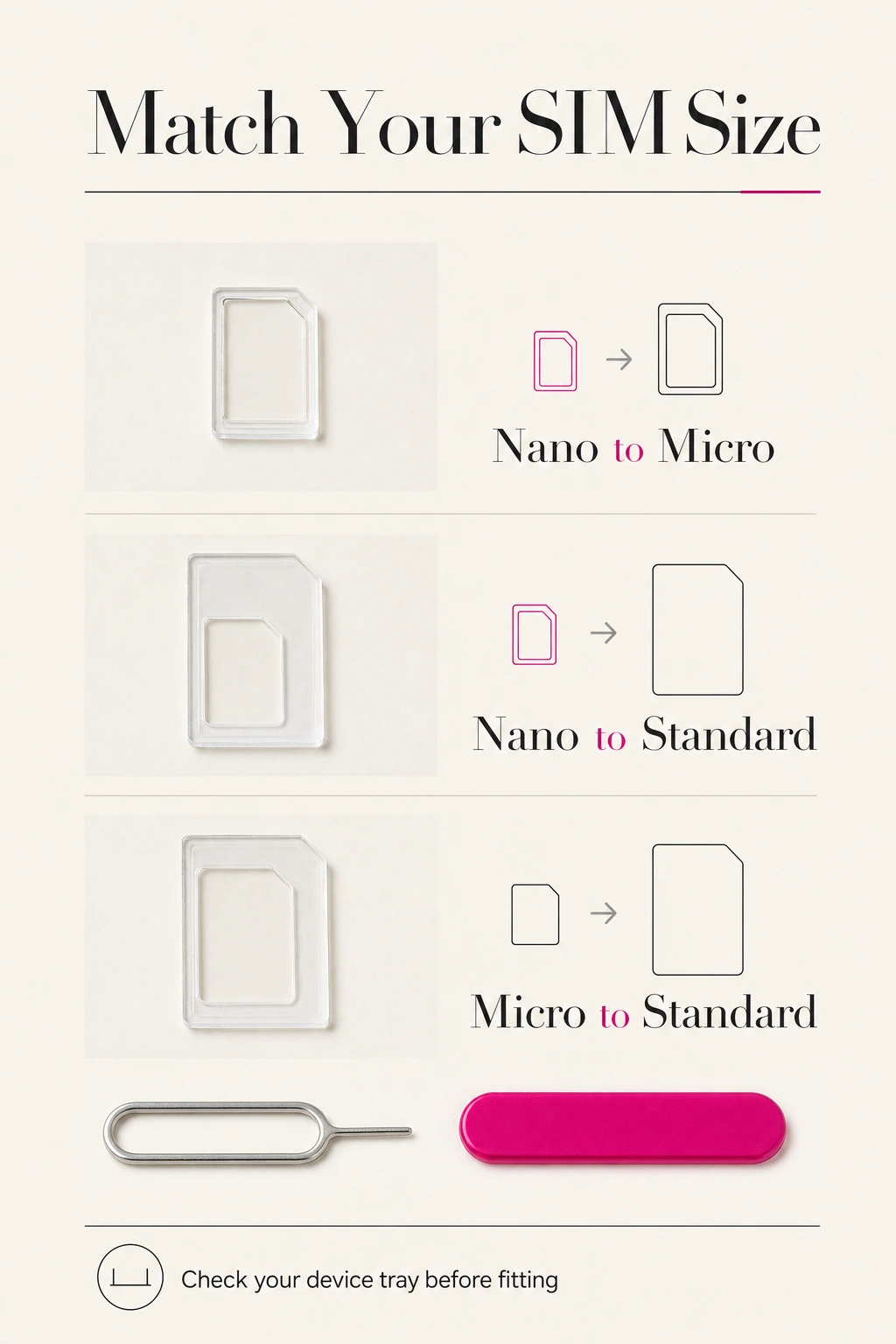
The three frames cover Nano SIM to Micro SIM, Nano SIM to Standard SIM, and Micro SIM to Standard SIM conversion. Match both the inner opening to your card and the outer shape to the receiving tray. If your phone already takes your card size, use the card directly as instructed by the device maker. No cutting or electronic conversion is provided.
A metal pin for the SIM tray
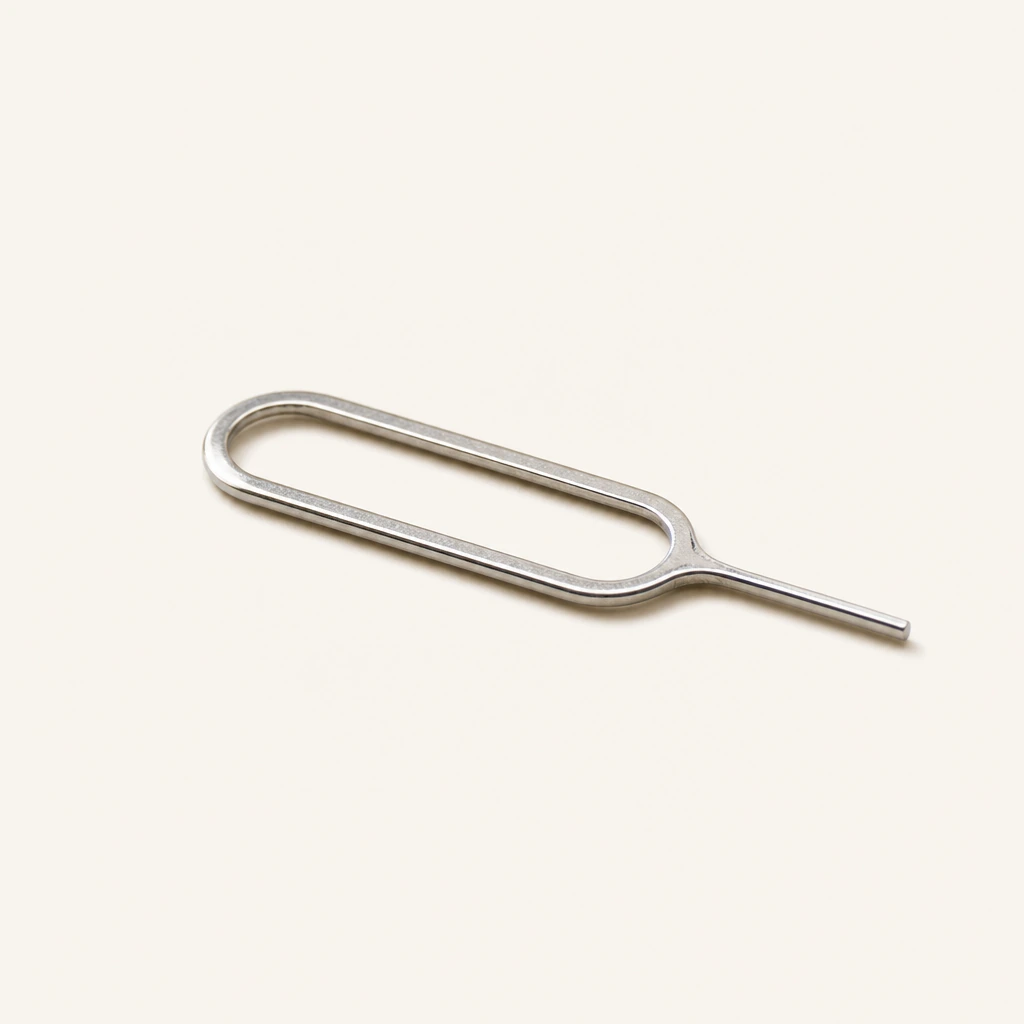
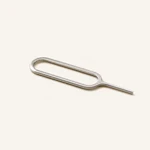
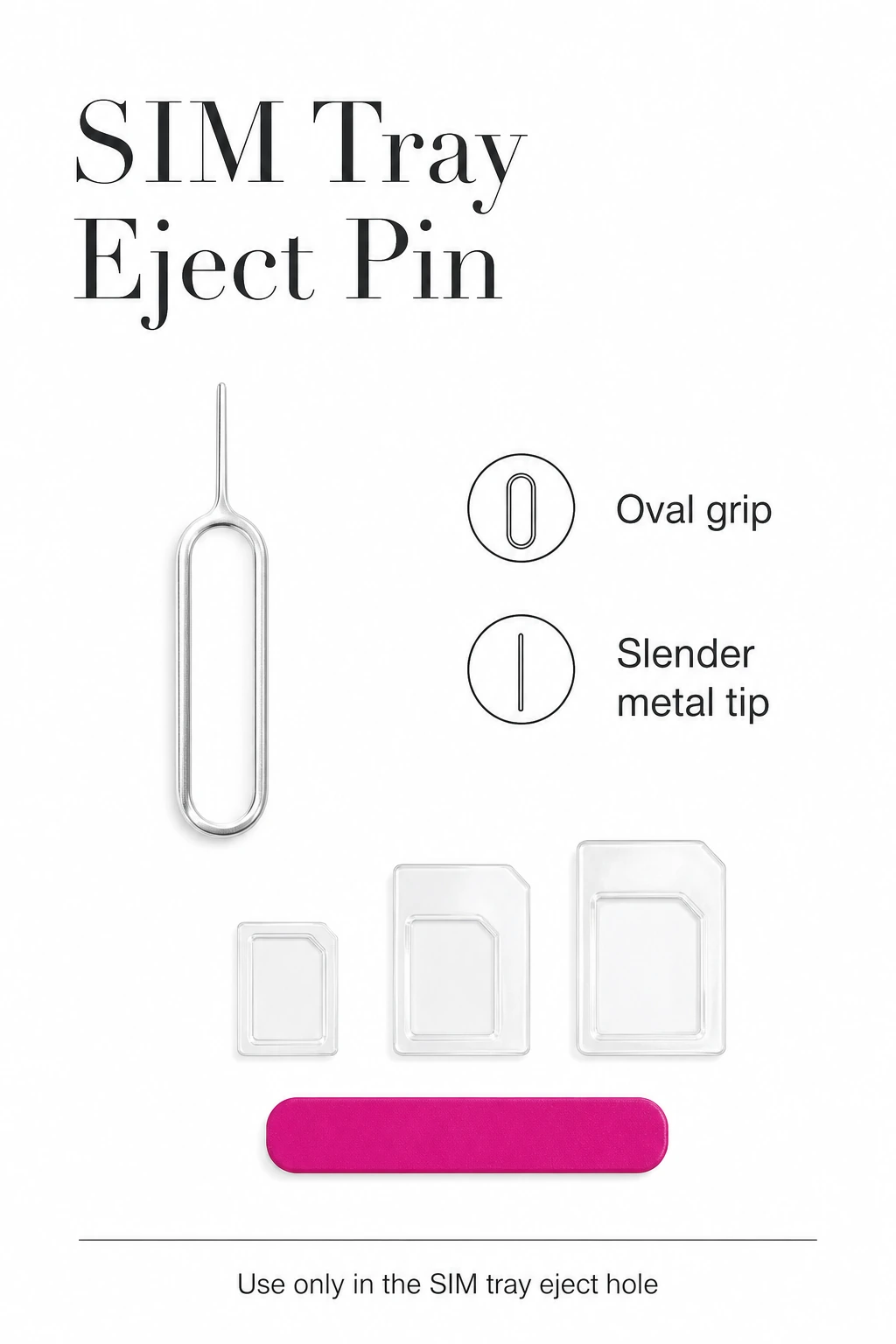
The silver eject pin has an elongated oval grip and a slender tip for a compatible tray release hole. Keep it with your phone accessories so it is available when you change cards or devices. Locate the SIM tray release hole using your device instructions before using the pin; other small holes may serve different purposes.
Check the fit before inserting
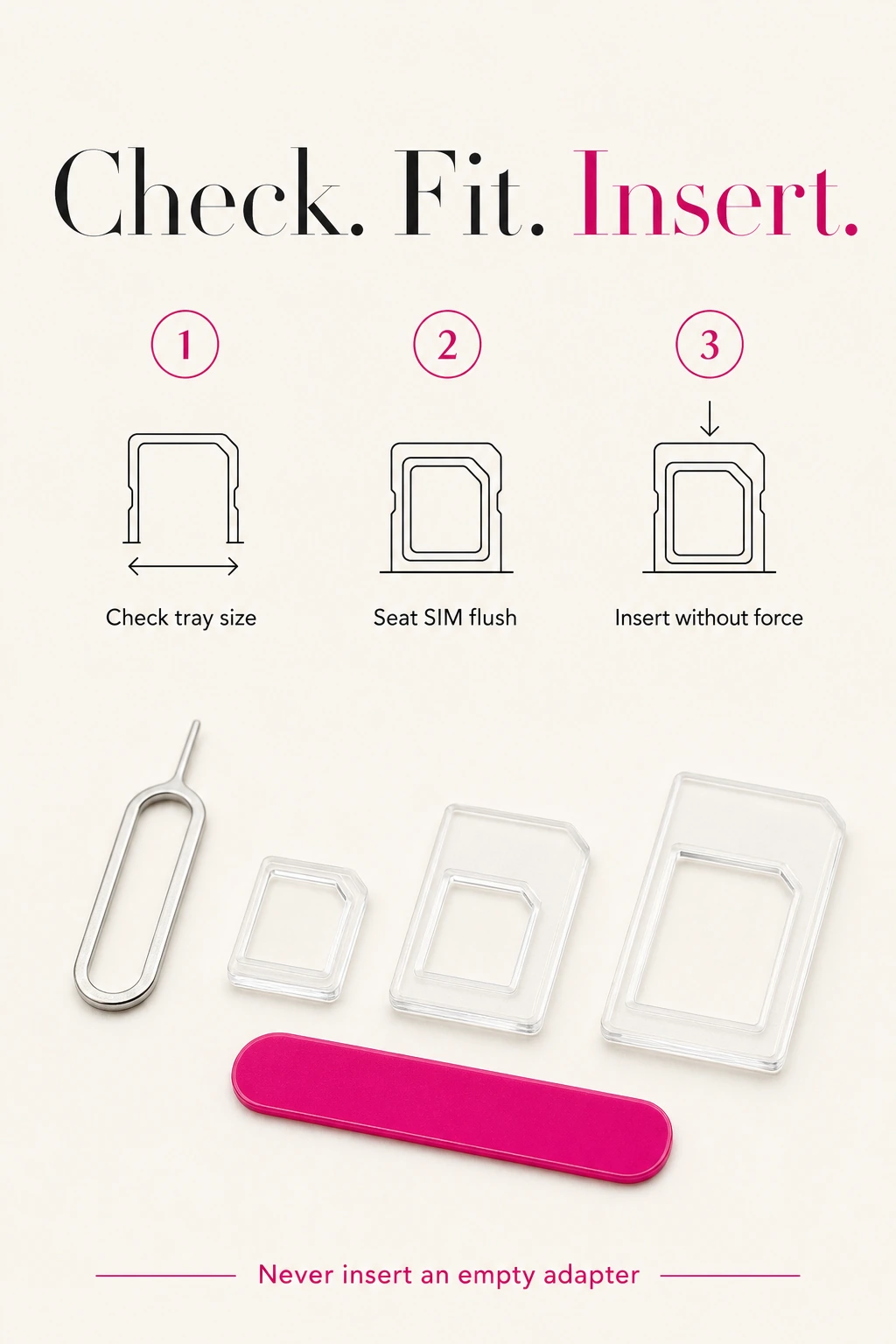
Work on a clear, dry surface and switch off the device before handling the SIM. The card must sit flat and securely in the selected frame, with its clipped corner correctly aligned. Follow the device instructions and stop if there is resistance. Never insert an empty adapter. Keep the small pieces and pointed tool away from children.
- Check the physical SIM size required by your device.
- Select the matching adapter and seat the SIM flush.
- Use the eject pin only in the correct tray release hole.
- Insert the correctly seated card and tray gently; do not force them.
Browse SIM card adapters and tools
Choosing and using this item
Choose the adapter by the SIM card size and the receiving tray size, not just by the phone name. The three frames provide Nano-to-Micro, Nano-to-Standard and Micro-to-Standard fit. Seat the card level in the frame before insertion and keep unused frames out of the tray.
Key details
| Adapter count | 3 clear plastic frames |
|---|---|
| Eject tool | 1 metal pin with an oval grip |
| Material | Plastic adapter frames; metal eject pin |
See Specification for the complete item details.
Frequently asked questions
Which SIM sizes can this kit adapt?
The three frames cover Nano to Micro, Nano to Standard and Micro to Standard. Check your card and receiving tray before choosing a frame.
Does it work with every phone?
No universal fit is promised. Use it only where your device permits a physical SIM adapter of the required size. An eSIM-only device has no compatible physical slot.
Will it unlock my phone or activate a SIM?
No. The frames change the physical fit only. Activation, network access and carrier restrictions are separate.
How should I use the eject pin?
Follow your device instructions to locate the SIM tray release hole. Apply gentle pressure, and stop if the tray does not release. Do not use the pin in other openings.
Should I choose by phone name alone?
No. Match the physical SIM card size and the receiving tray size, following the device instructions. The frames adapt Nano to Micro, Nano to Standard or Micro to Standard; a phone name alone does not confirm fit.
Add your review
Your email address will not be published. Required fields are marked *
Please login to write review!
Looks like there are no reviews yet.
Find answers to common questions about this product