0 0
0
No products in the cart.

Shopping Cart

Electronics

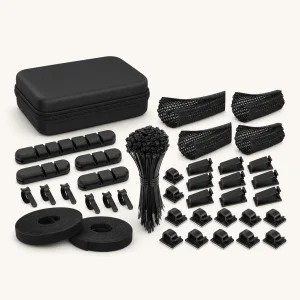
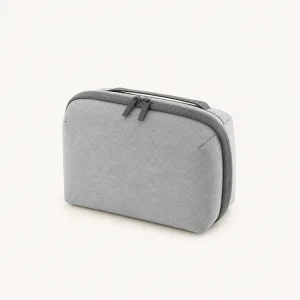
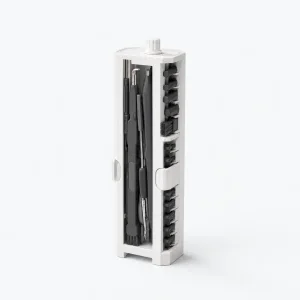
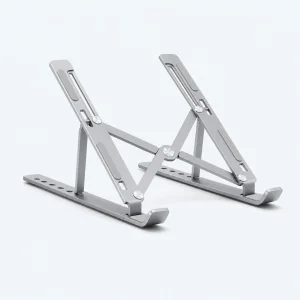
Electronics covers camera accessories (lens filters, pouches, air blowers, a mini ball head), desk setup gear (laptop stands, desk mats, cable management kits, headphone holders), cleaning kits, a two-way radio, a retro handheld game console, a smart Wi-Fi switch and home energy storage batteries.

How to choose

  • Confirm compatibility: filters list thread sizes, cases list the exact device model, and smart switches list supported apps and wiring.
  • Check power requirements: some items, such as the DTF printer, come in 110V or 220V versions, so pick the one for your country.
  • Read the full specifications: battery capacity, storage and connectivity are listed on each product page.
30Products found

How should shoppers choose Electronics?

Electronics shopping starts with the device, project or maintenance task involved. You may need protection for a device, tools for cleaning, a component for development or an accessory for a desk setup. Compare compatibility, power, dimensions and included parts before considering finish or price, because a small mismatch can make an otherwise useful item impractical.

Verify technical fit

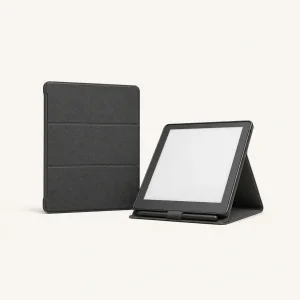
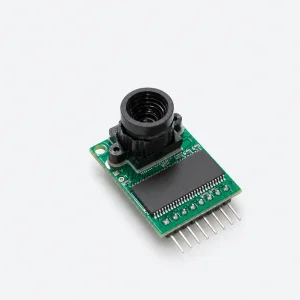
For cases or covers, confirm the exact device model, size, openings, controls and mounting or stand features. For development components, compare interface, connector, power, board dimensions, mounting and the platform or software requirements stated on the product page. For cleaning tools, check which screens, ports, keyboards or earbuds the included pieces are intended to service.

Review setup and maintenance

Check cables, adapters, mounting parts, charging, cleaning and storage needs, and verify what is included. Compare the item dimensions with the available desk, vehicle, wall or bag space. Before checkout, confirm specifications, compatibility, variant, photos, availability, shipping and returns on the individual product page.